Cybersecurity for Business Travelers: Staying Safe While Working on the Go
Posted On November 21, 2024, by Megawire Marketing Team
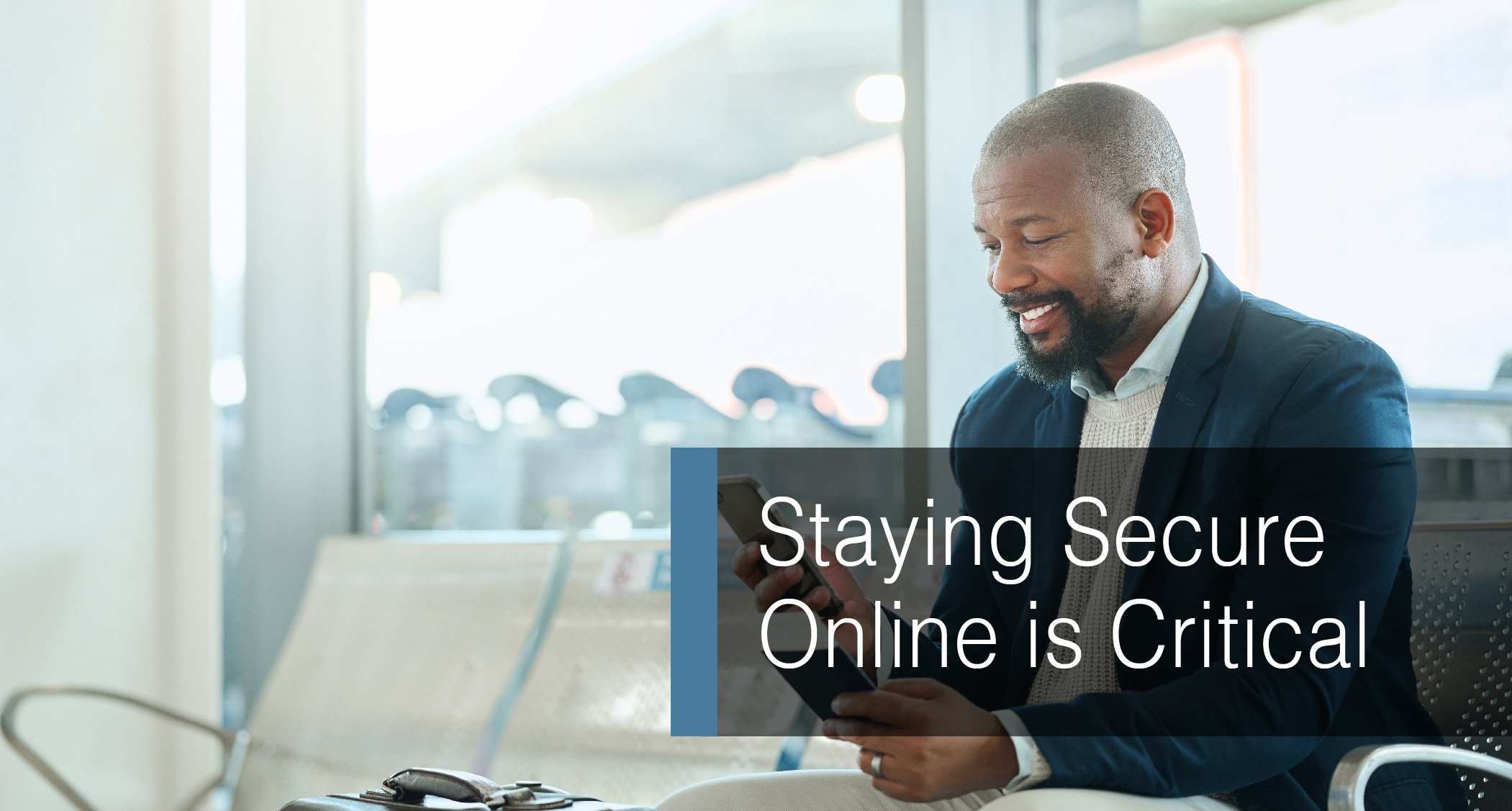
Business travel can be an exciting and essential part of professional life, but it also introduces unique cybersecurity risks. Whether you’re accessing sensitive company data from public Wi-Fi at an airport, sharing files via the cloud, or using your mobile devices in a hotel, staying secure online is critical. This article explores essential cybersecurity tips for business travelers and how to minimize risks while working remotely.
1. Always Back Up Your Data Before You Travel
One of the most fundamental cybersecurity practices is ensuring that your data is backed up before you embark on your trip. Whether you’re carrying a laptop, smartphone, or other mobile devices, accidents and thefts can occur. According to Get Cyber Safe, securely backing up important files on external hard drives or reputable cloud services ensures you can recover your data quickly if something goes wrong. For added protection, encrypt your backups to secure sensitive business information.
2. Use a VPN for Secure Internet Access
Public Wi-Fi networks are among the most significant risks for business travelers. Cybercriminals often use these networks to intercept unencrypted data, which can include confidential business information or login credentials. A Virtual Private Network (VPN) encrypts your internet traffic, keeping it safe from prying eyes. Always connect to a VPN when using hotel, airport, or café Wi-Fi networks. The Get Cyber Safe Guide emphasizes the importance of using a reliable VPN, and testing its functionality before leaving for your trip.
3. Disable Automatic Connections and Bluetooth
Devices like smartphones and laptops are often set to automatically connect to available Wi-Fi networks or Bluetooth devices. However, as highlighted by Get Cyber Safe, this feature can expose you to malicious networks or unauthorized Bluetooth pairing. Disable auto-connect settings and ensure that Bluetooth is turned off when not in use, particularly in crowded locations like airports or conferences.
4. Lock and Encrypt Your Devices
Securing your devices with strong passwords, PINs, or biometric authentication is your first line of defense against unauthorized access. For added protection, consider encrypting your devices and the sensitive files stored on them. Encryption ensures that even if a device is stolen, the data remains inaccessible without the correct decryption key. The Small Business Cybersecurity Guide stresses the importance of encryption for business travelers who carry sensitive data.
5. Be Wary of Public Charging Stations
Shared charging stations at airports and other public places are convenient but can pose a cybersecurity risk. A practice known as “juice jacking” involves tampered charging ports or cables that transfer malware to your device or steal data. Avoid using public charging stations; instead, bring your own charging cable and a portable power bank. Get Cyber Safe recommends charge-only USB cables that prevent data transfer while powering up your devices.
6. Beware of Fake Wi-Fi Networks
Cybercriminals often create fake Wi-Fi networks that mimic legitimate ones to trick unsuspecting users. For instance, if you see multiple networks named “HotelABC Wi-Fi,” confirm the correct network name with hotel staff before connecting. Avoid networks with no passwords or that seem suspicious. Adding another layer of security with a VPN ensures that your data remains encrypted even if you unknowingly connect to an insecure network.
7. Keep Your Software Updated
Before traveling, make sure your devices are running the latest operating system updates and security patches. Updates often address vulnerabilities that could otherwise be exploited by cybercriminals. Whether you’re using a phone, laptop, or tablet, keeping all your software up to date is a simple but crucial way to minimize risks. The Get Cyber Safe Guide highlights the importance of regular updates for ensuring optimal device protection.
8. Minimize Data Exposure
When traveling, it’s easy to carry more data than necessary—leaving you vulnerable to unnecessary risks. Review the sensitive data stored on your devices and remove anything nonessential. Instead of saving files locally, access sensitive information through a secure cloud service whenever possible. For instance, Get Cyber Safe recommends classifying confidential data carefully and only carrying what you absolutely need for your trip.
9. Beware of Phishing Attacks
Social engineering attacks, such as phishing emails, often spike during travel seasons. These malicious emails can appear urgent or relevant, prompting unsuspecting travelers to click on malicious links or share sensitive information. Be cautious of unsolicited messages and verify the sender’s identity before responding. If you’re unsure, report suspicious emails to your IT department. Stay Safe Online encourages travelers to avoid clicking any links in suspicious emails.
10. Practice Good Password Hygiene
Strong and unique passwords are essential for securing your accounts while traveling. A password manager can help generate and store complex passwords securely. Additionally, enabling two-factor authentication (2FA) adds a crucial extra layer of security. Get Cyber Safe emphasizes the importance of combining 2FA with strong passwords to enhance account protection.
11. Limit Sharing on Social Media
While it may be tempting to post updates about your travels, doing so can make you an easy target for cybercriminals. Sharing too much information, like your current location or travel plans, may alert criminals to your absence from home or office. Instead, limit what you share and adjust your privacy settings to restrict access to trusted contacts only.
12. Plan for Cybersecurity Incidents
Even with careful precautions, cybersecurity incidents can still happen. Have a plan for responding to lost devices, data breaches, or compromised accounts. Keep IT support contact details accessible and ensure you know how to report suspicious activity. For example, regularly testing your business’s incident response plan can make a significant difference in handling a potential security breach effectively.
Cybersecurity while traveling is all about adopting smart habits and proactive measures to protect your personal and professional data. By following these practical tips—whether it’s using a VPN, encrypting devices, or simply avoiding suspicious networks—you can significantly reduce your risk of falling victim to cybercrime.
For additional tips and resources, check out Get Cyber Safe or consult with your organization’s IT team to ensure your security measures are up to date.
________________________________________________________________________________________________________________________________________________
Schedule a call today with one of our team members to discuss your Managed IT services needs with Megawire – For more details, Click Here.
________________________________________________________________________________________________________________________________________________
This blog is not meant to provide specific advice or opinions regarding the topic(s) discussed above. Should you have a question about your specific situation, please discuss it with your Megawire IT advisor.
Megawire is a full-service Managed IT services provider. We primarily service all of Ontario and the rest of Canada, the US, and Australia virtually. Our team provides IT infrastructure assessments, network security audits, cloud computing solutions, and IT support for businesses of all sizes and industries.
If you would like to schedule a call to discuss your Managed IT services with one of our team members, please complete the free no-obligation meeting request. – For more details, Click Here.
Connect With Us
- 24/7 monitoring
- 24/7 monitoring and incident response
- AI Integration
- ANSI/BICSI 002
- Artificial Intelligence
- automatic threat isolation
- Category
- clarity of service scope
- cloud infrastructure
- commercial structured cabling
- Compliance and audit support
- Cost Efficiency
- cross-domain expertise
- Customizable and scalable solutions
- cybersecurity
- cybersecurity audits
- cybersecurity mandates
- cybersecurity service
- cybersecurity solutions
- cybersecurity threats
- data center structured cabling
- design and deploy Zero Trust frameworks
- e-commerce
- education
- Efficiency
- Employee awareness training to prevent phishing
- EN 50173
- Endpoint detection and response
- Endpoint Detection and Response (EDR)
- endpoint devices
- endpoint security
- Energy Efficiency
- Enhanced Performance
- Enhanced Productivity
- essential defense mechanism
- Event Management
- evolving cybersecurity regulations
- fast-growing enterprises
- finance
- fully managed cybersecurity services
- Future-Proofing
- High Capacity
- hybrid environments
- hybrid industrial environments
- identifying anomalies
- identity access management
- Ignoring Standards
- Inadequate Labeling
- Incorrect Testing
- internal security policies
- international and regional cybersecurity regulations
- ISO/IEC 11801
- Long-Distance Connectivity
- managed IT services
- managed LAN services
- micro-segmentation
- Multi-factor authentication
- multi-layered security defense
- network access for manufacturing
- New
- next-gen SIEM deployment and management
- optimisation for factories
- OT-IT convergence
- Outsourcing cybersecurity
- Performance
- Performance transparency
- Ransomware
- ransomware attacks
- ransomware defense and recovery services
- real-time data connectivity
- Reduced Downtime
- Reliability
- Scalability
- Security and compliance clauses
- significant cost
- Smart Factories
- Southeast Asia
- Standards Govern Structured Cabling Systems
- strategic value
- Strong client testimonials and case studies
- structured cable installation
- structured cabling installation
- structured cabling installation services
- structured cabling services
- structured cabling specialist
- structured cabling system
- structured data cabling installation
- structured network cabling
- Tag
- TIA/EIA-568
- Transparent pricing and SLAs
- Using Low-Quality Materials
- various sources
- Zero Trust Architecture